Code, Share, Manage & Teach Python in the Browser.
RunPy gives students a user-friendly space to code and manage files. Teachers can view, run, share and provide feedback all from one place.
For everyone
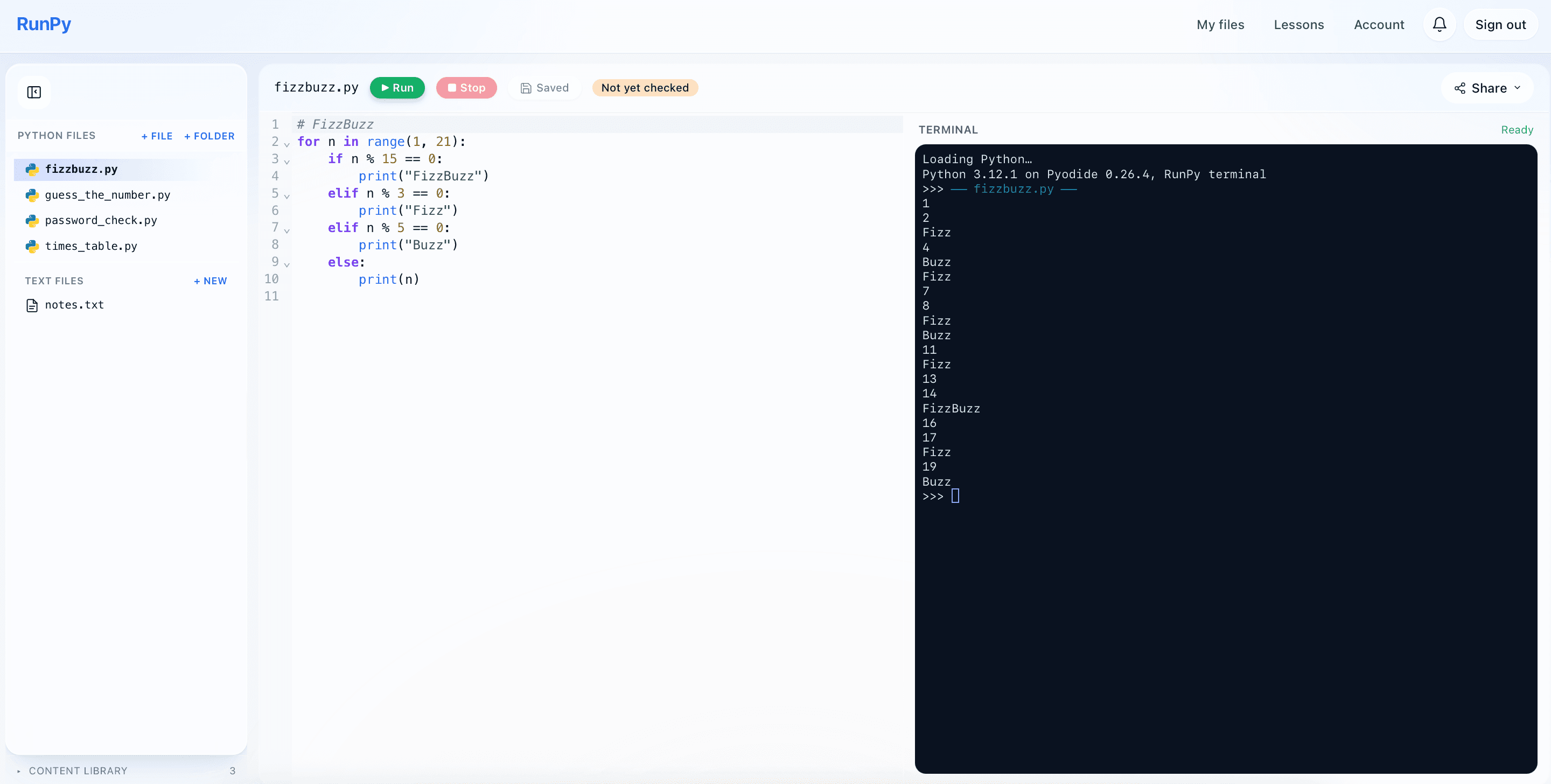
Full IDE with file access
- Code editor and interactive Python terminal side by side
- File sidebar in the same view — resize it to fit your screen or hide it entirely
- Run Python in the browser with no installation, input() prompts inline in the terminal
- One-click Copy as image, plus a shareable public link for any file
For everyone
My Files
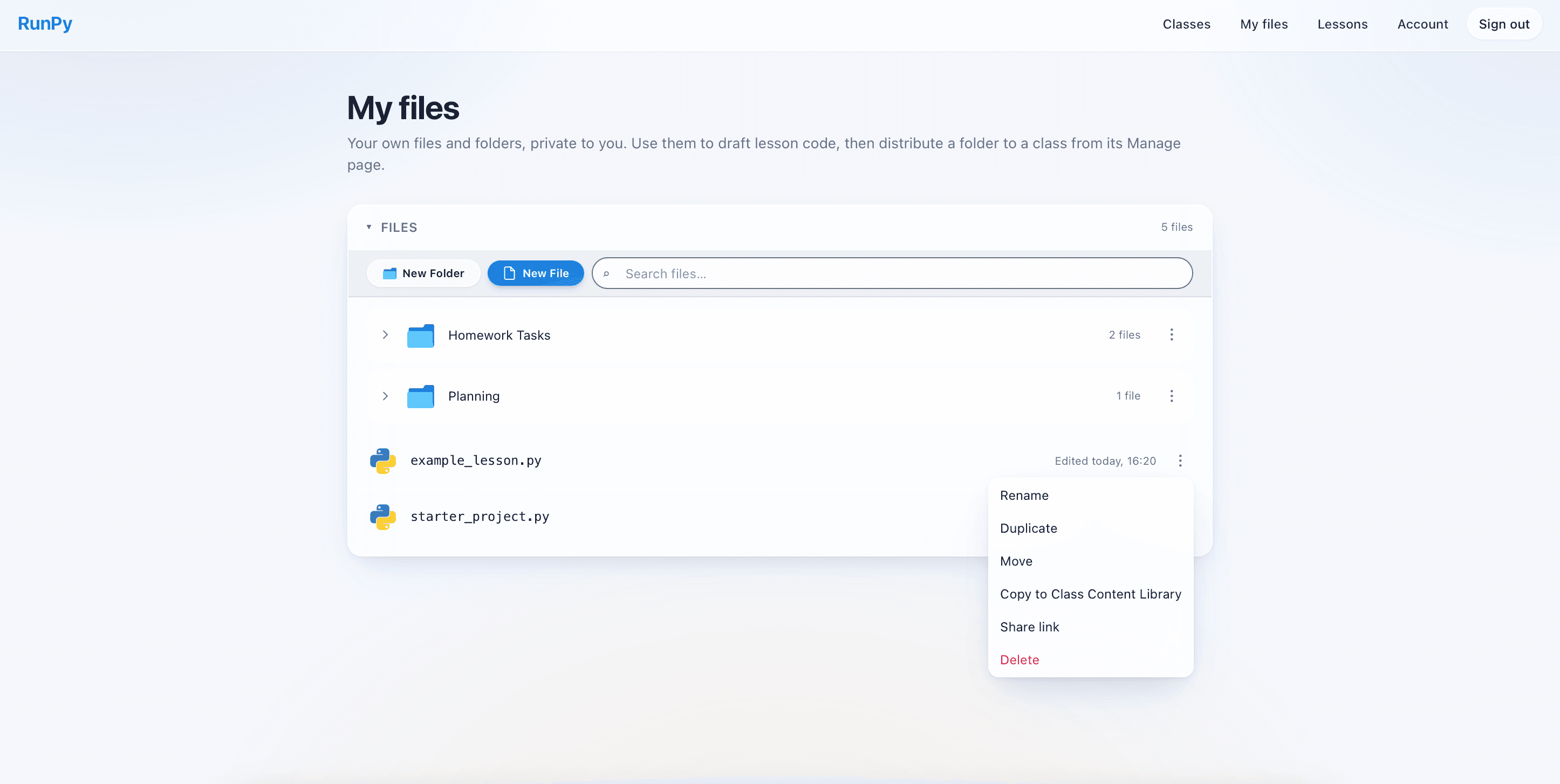
- One unified files area — Python files, HTML projects and text files all in the same tree
- Group work into named folders, mixed languages allowed
- Live search across every file and folder you own
- Rename, move, duplicate, share or delete from the same panel
For students
Student dashboard
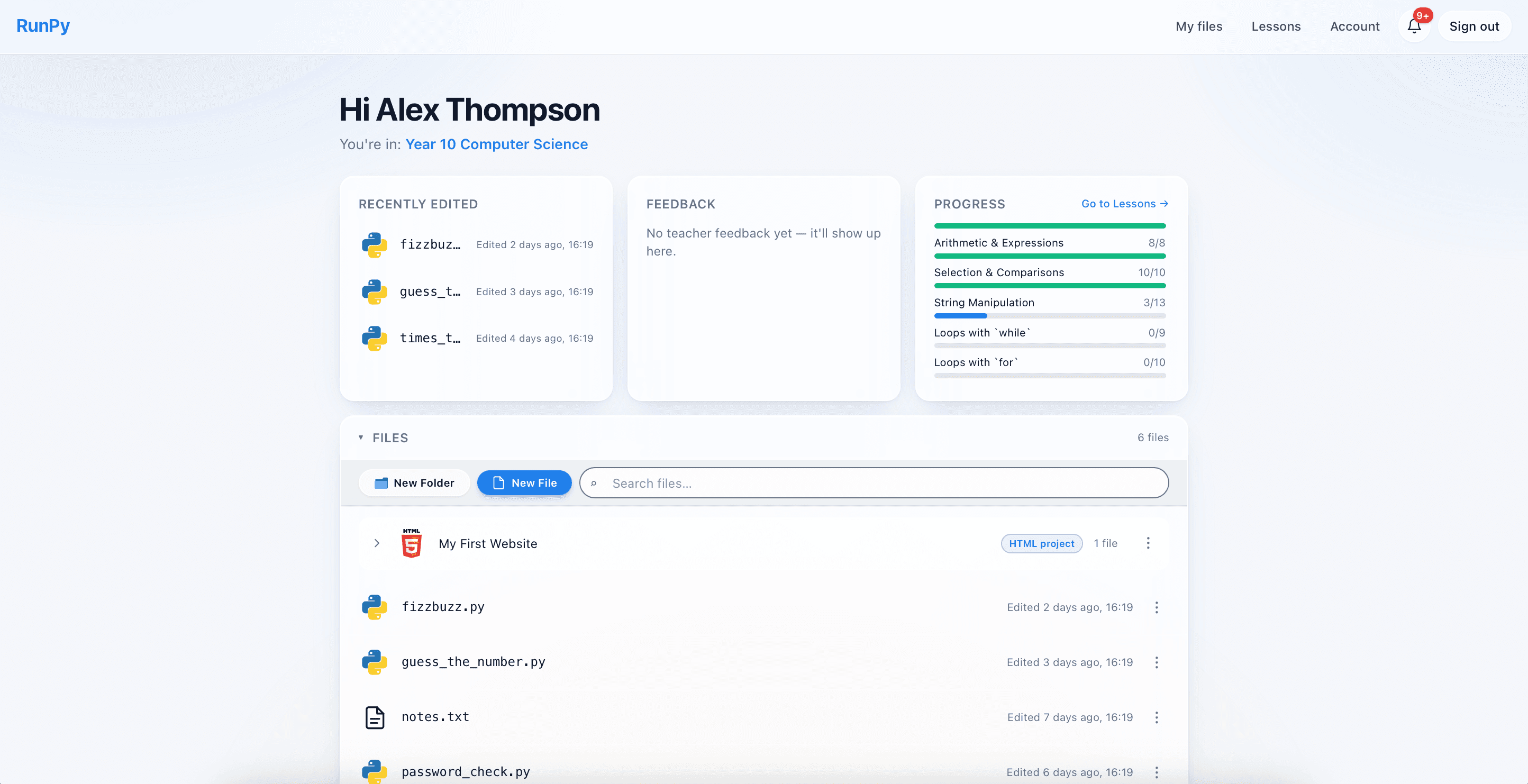
- Three cards at a glance — Recently edited, Teacher feedback and Lesson progress
- Jump straight back into the file you were last working on
- Feedback card surfaces unread comments from your teacher
- Progress card tracks how far you are through the lessons catalogue
For students
Lessons
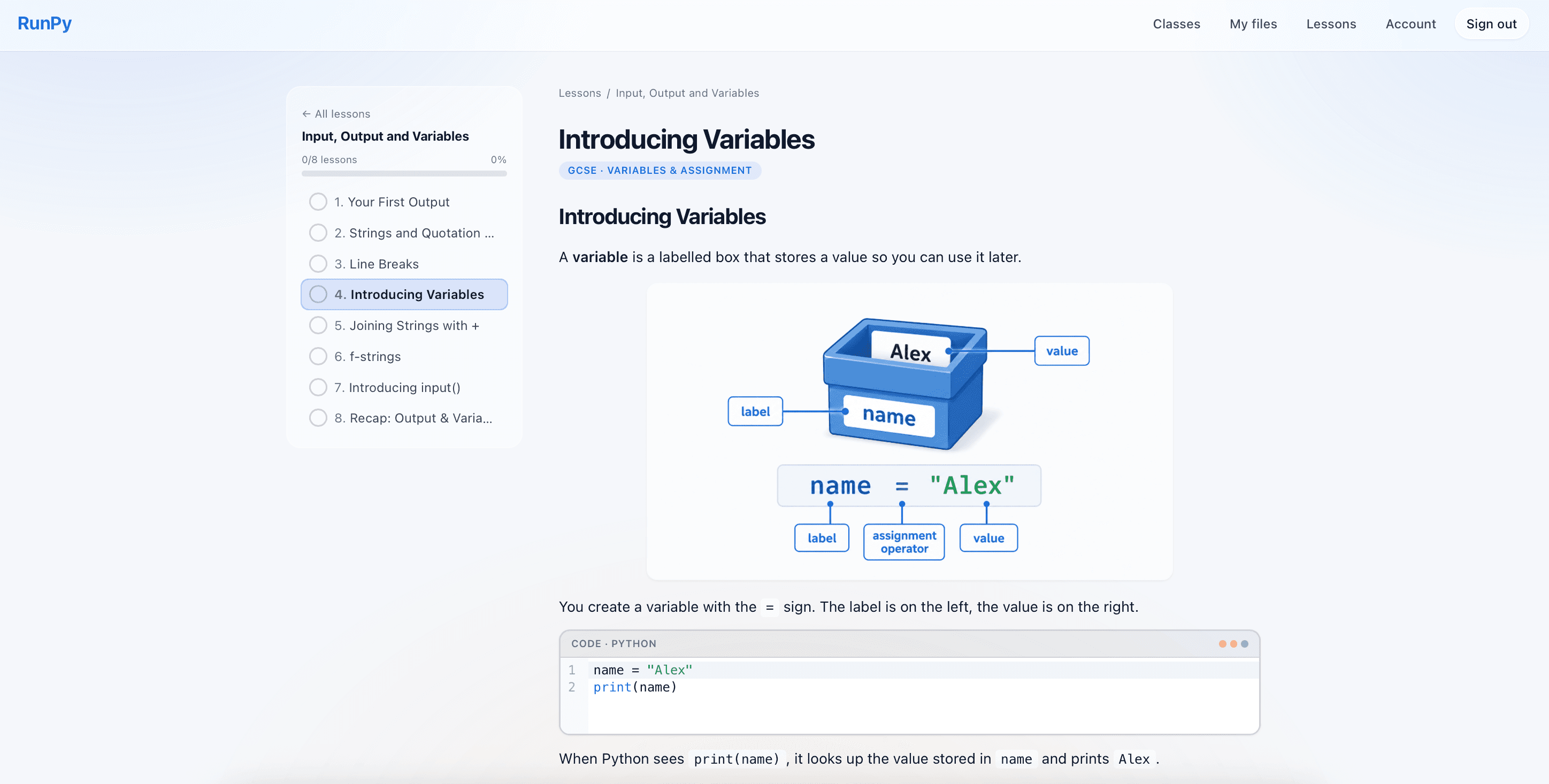
- Access to over 150 lessons with self-marking tasks and worked code examples
- Structured Python course broken into units and short lessons
- Multiple-choice questions mixed in for quick concept checks
- Exam-style scenarios with per-criterion mark schemes for exam practice
For students
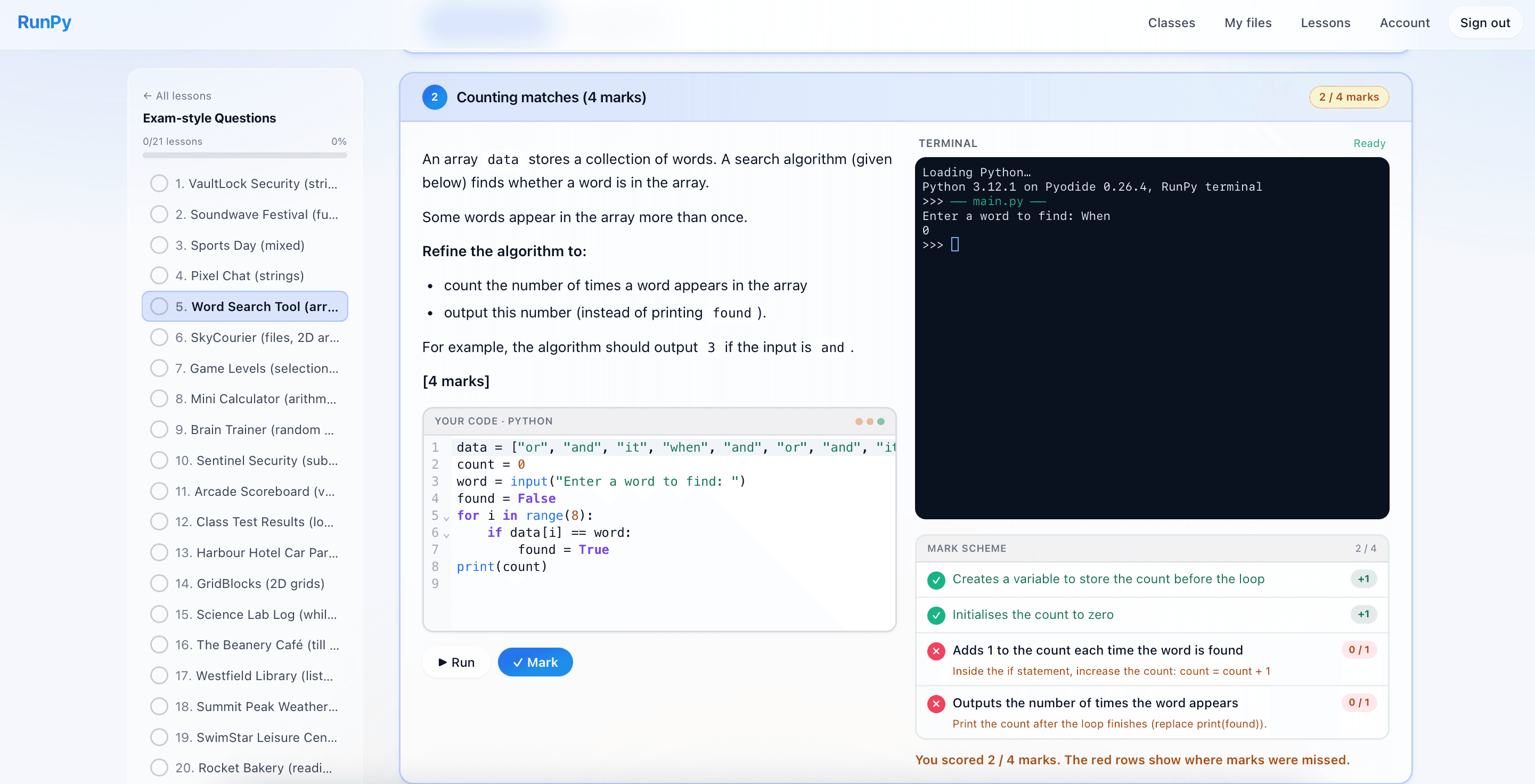
Exam-style questions
- Over 80 scenario-based coding tasks that mirror real GCSE exam questions
- Editor and terminal on the left, mark scheme sticky on the right
- One-click Mark, with per-criterion partial credit and running attempts
- First-mark confirmation so students know a score is being recorded
For teachers
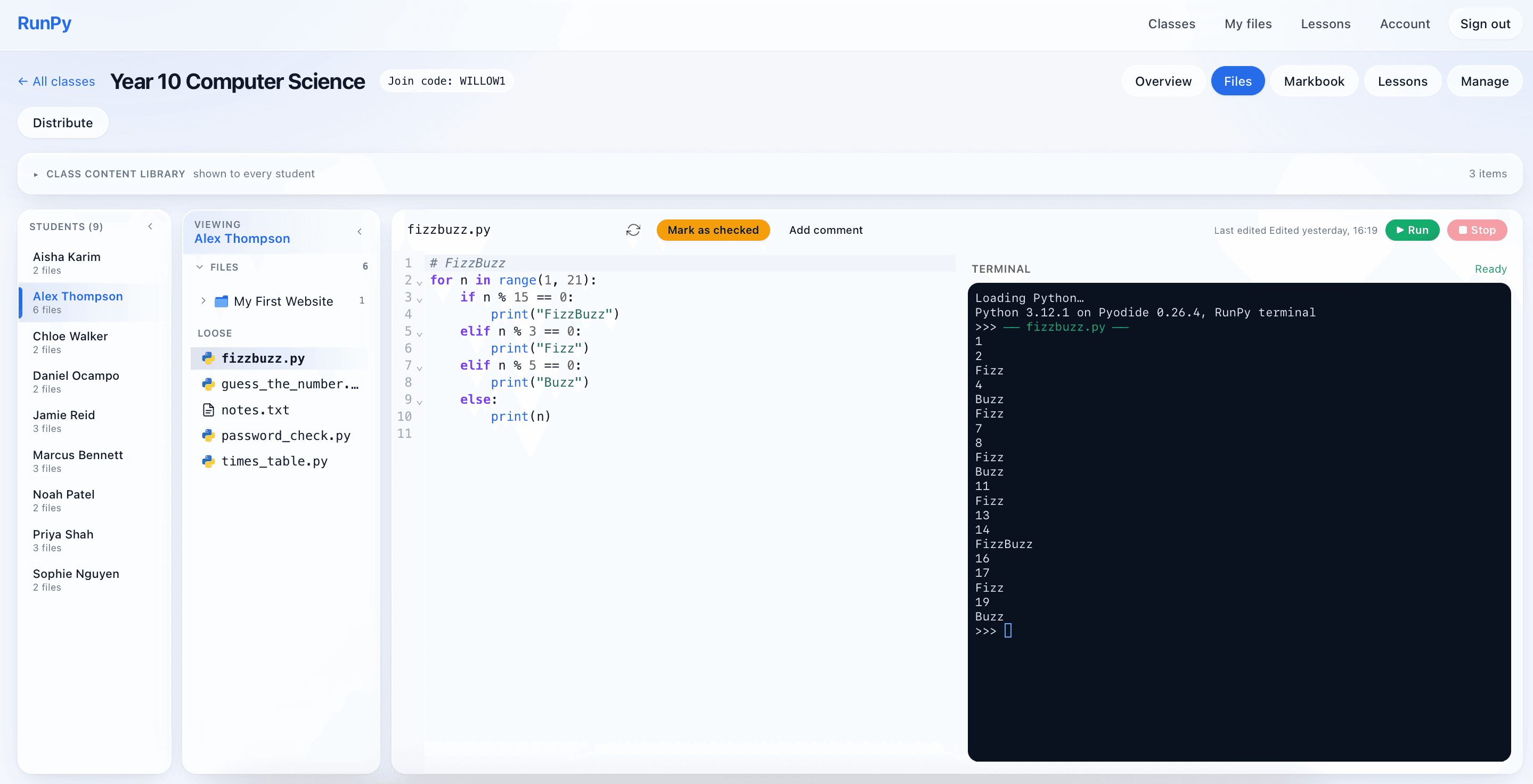
Teacher view of student code
- Open any student's files straight from the class page
- Run their code in your own terminal without touching their work
- Mark files as checked and leave inline comments students see instantly
- Edit a student's code directly when they need a nudge in the right direction
For teachers
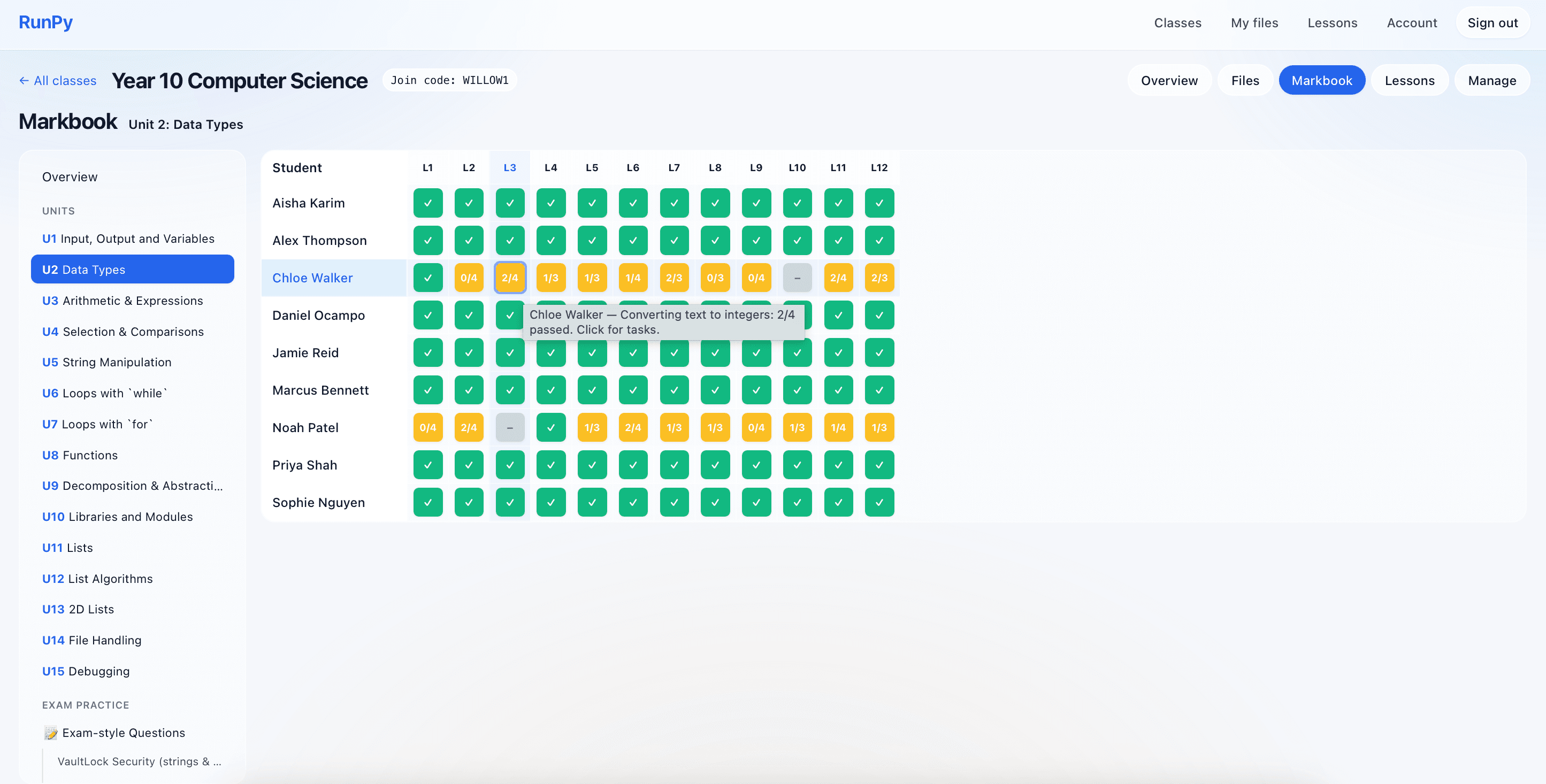
Class markbook
- Heatmap overview of every student against every lesson at a glance
- Drill into a unit, scenario or individual student for a full report
- Click a task to see exactly what the student submitted, code and all
- Per-class lesson unlocking so you hand out work one unit at a time
Learn Python, Turtle graphics and web development
Follow Python lessons, draw shapes with Python Turtle, or build your first HTML page. Web projects support CSS, JavaScript and images with live preview.
GCSE Python revision and exam preparation
Prepare for Computer Science programming questions with Python revision, exam-style tasks and automated marking. Practise writing, running and debugging code alongside your exam board’s past papers. RunPy’s Python resources support OCR J277, AQA 8525, Edexcel, Eduqas and WJEC GCSE revision, as well as programming skills used at A Level.
A free account includes a selection of exam-style questions; further interactive lesson access depends on your plan and class settings.
Explore Python revision and exam-style questions