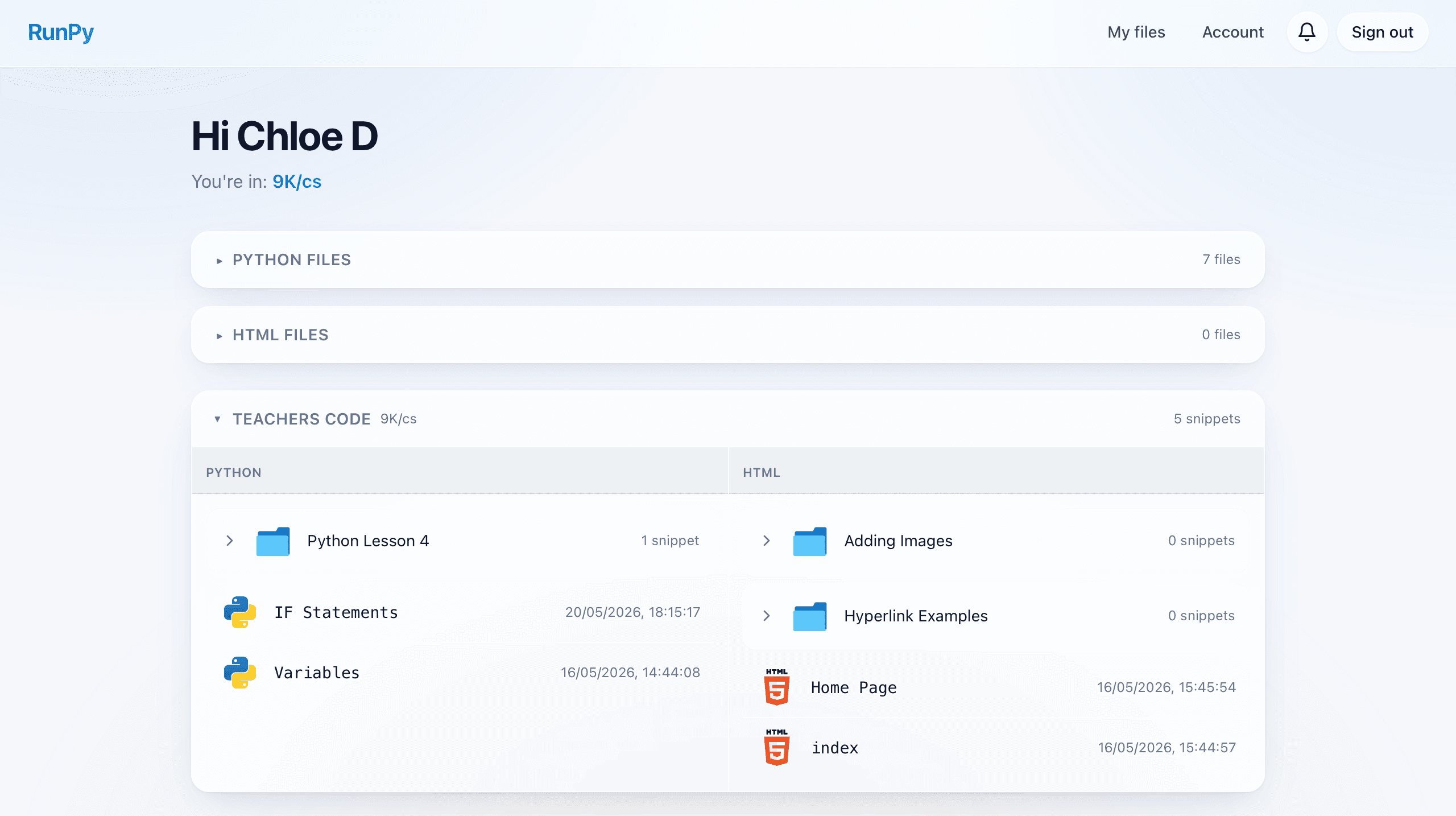
Code, Share, Manage & Teach Python in the Browser.
RunPy gives students a user-friendly space to code and manage files. Teachers can view, run, share and provide feedback all from one place.
For everyone
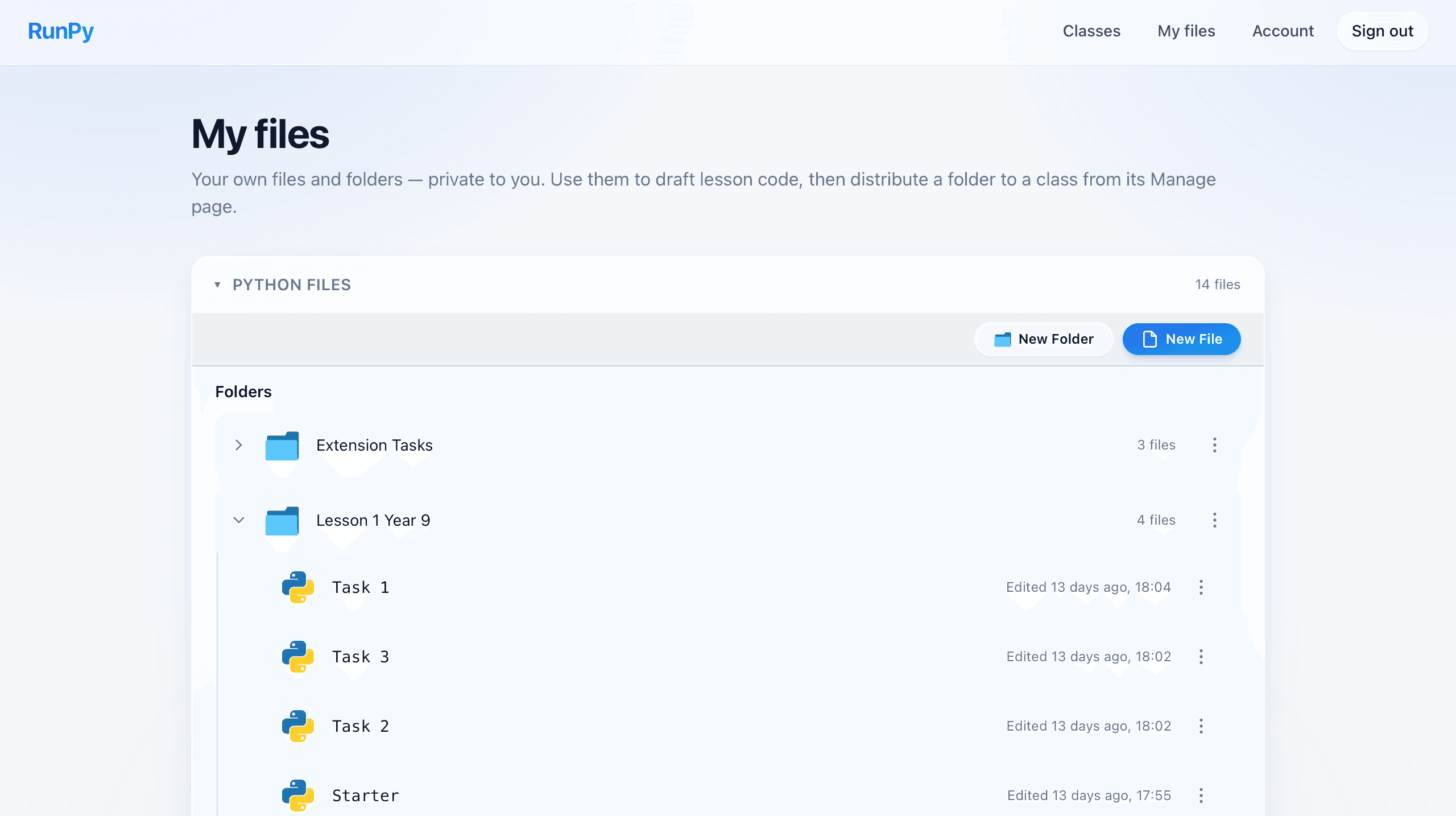
File organisation
- Group work into named folders, per language
- Python and HTML files separated automatically
- Edit times shown so nothing gets lost
- Rename, move, and delete from the same panel
For everyone
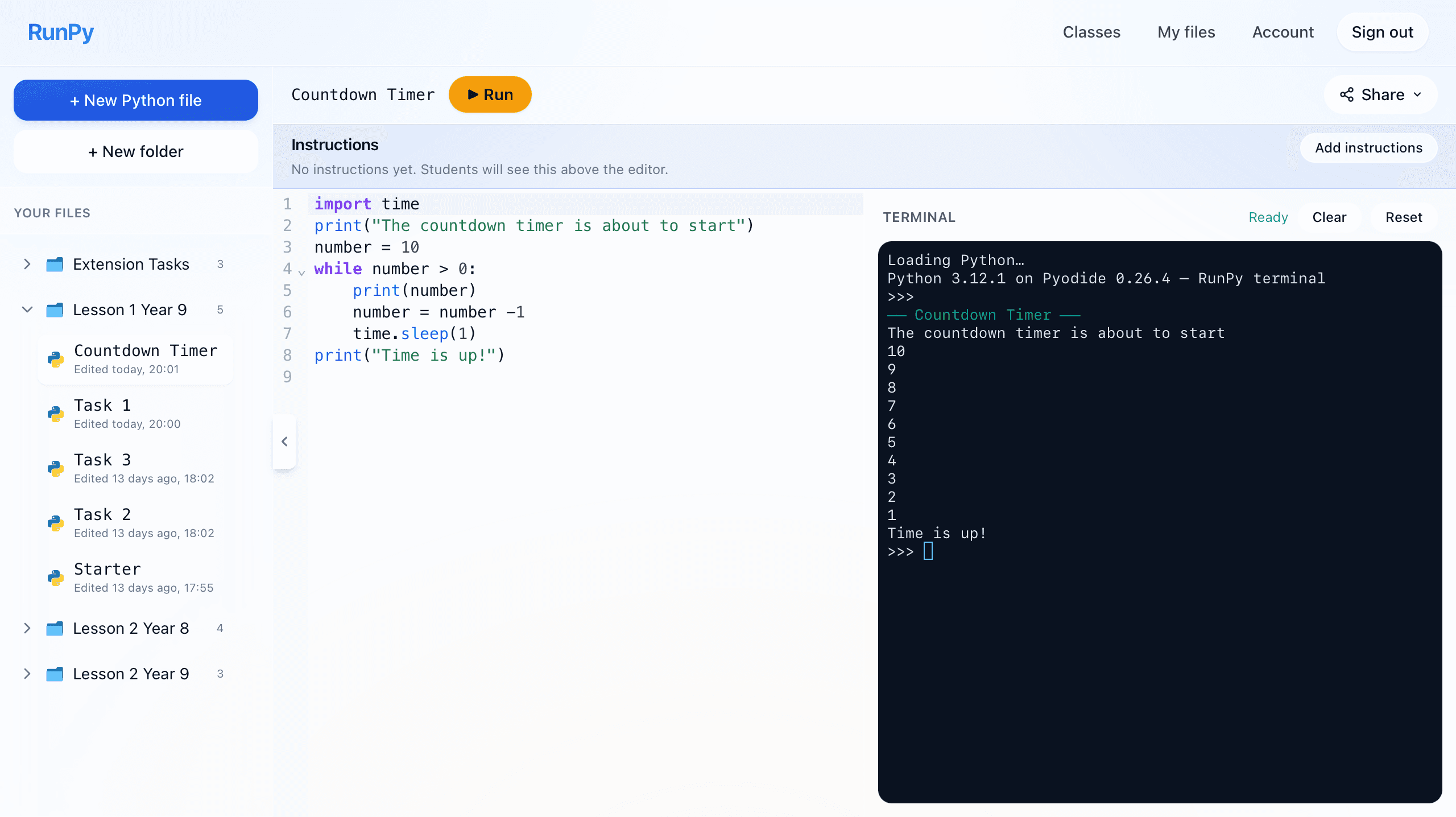
Full IDE with terminal
- Code editor and interactive terminal side by side
- Run Python in the browser, with no installation
- Task instructions sit above the code so students stay on task
- One-click Copy as image for pasting into Google Classroom or OneNote
- Shareable public link so others can view and run your code
For teachers
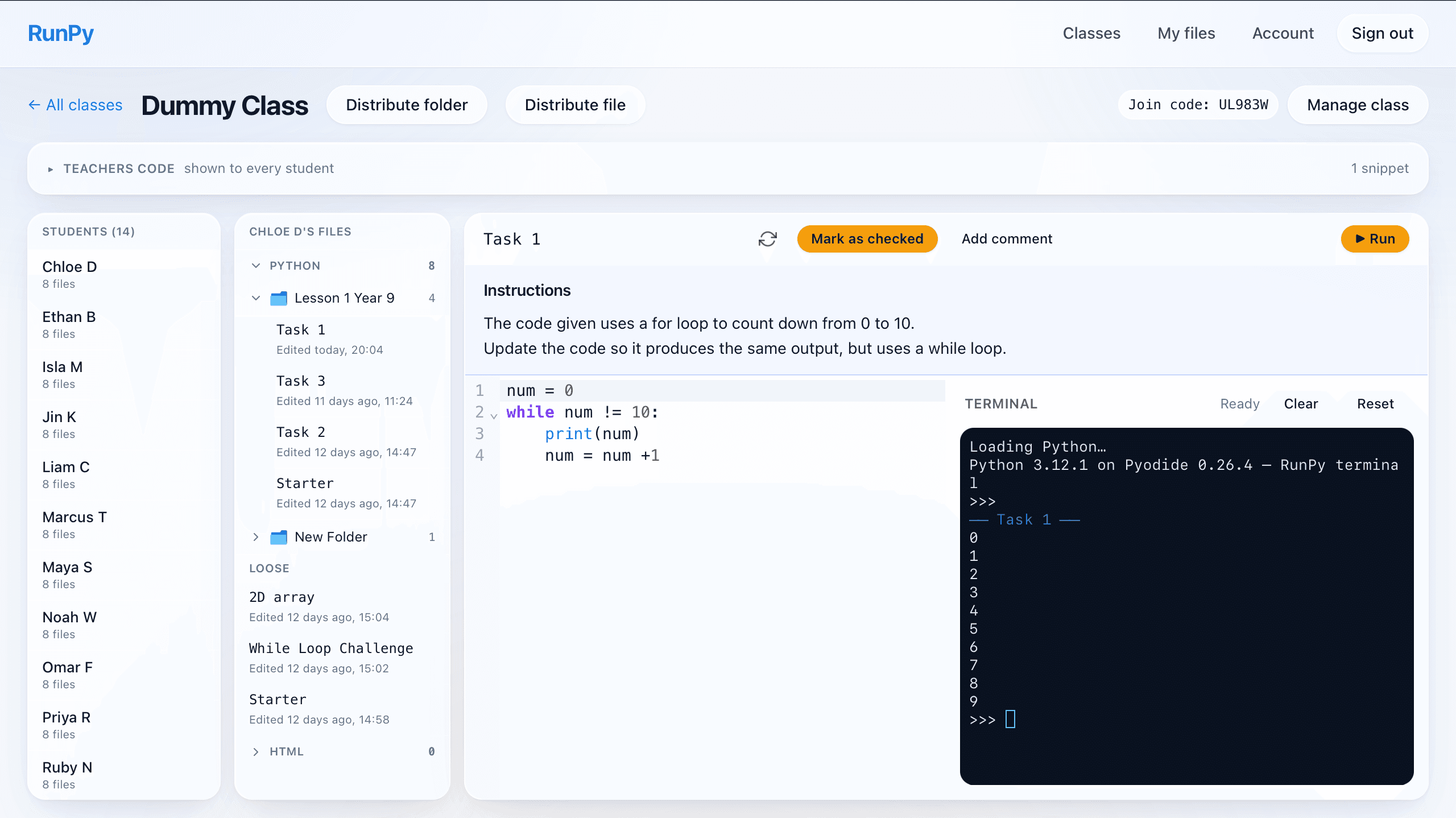
Easy class view
- See every student in the class at a glance
- Open any student's folders and files
- Jump between students without losing context
- Built-in editor view of their latest work
For teachers
Run their code in your own terminal
- Open any student's file and hit Run
- Their code runs in your own terminal, not theirs
- Test edge cases without touching their work
- Catch issues quickly without leaving the class view
For teachers
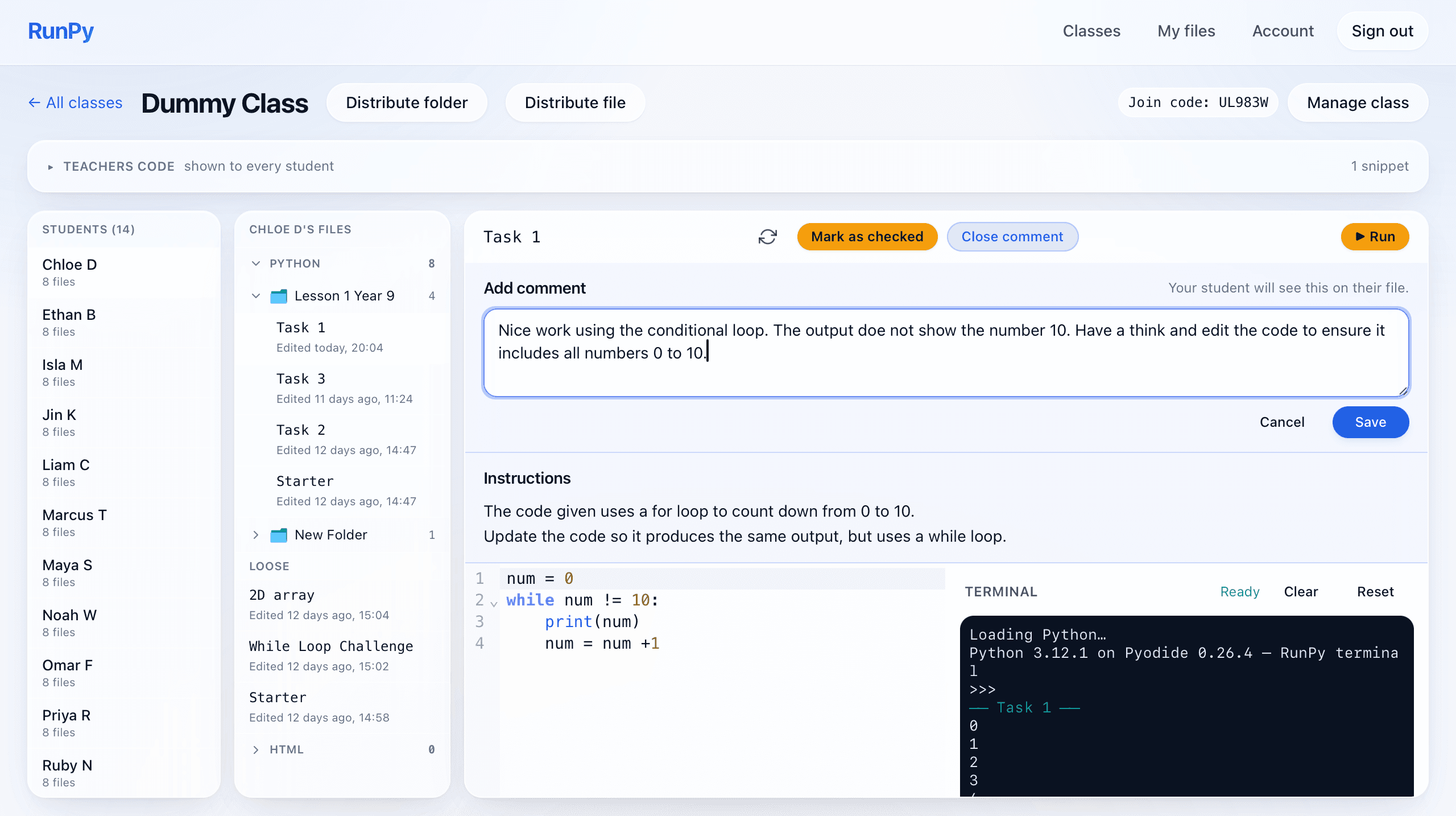
Mark work as checked and leave a comment
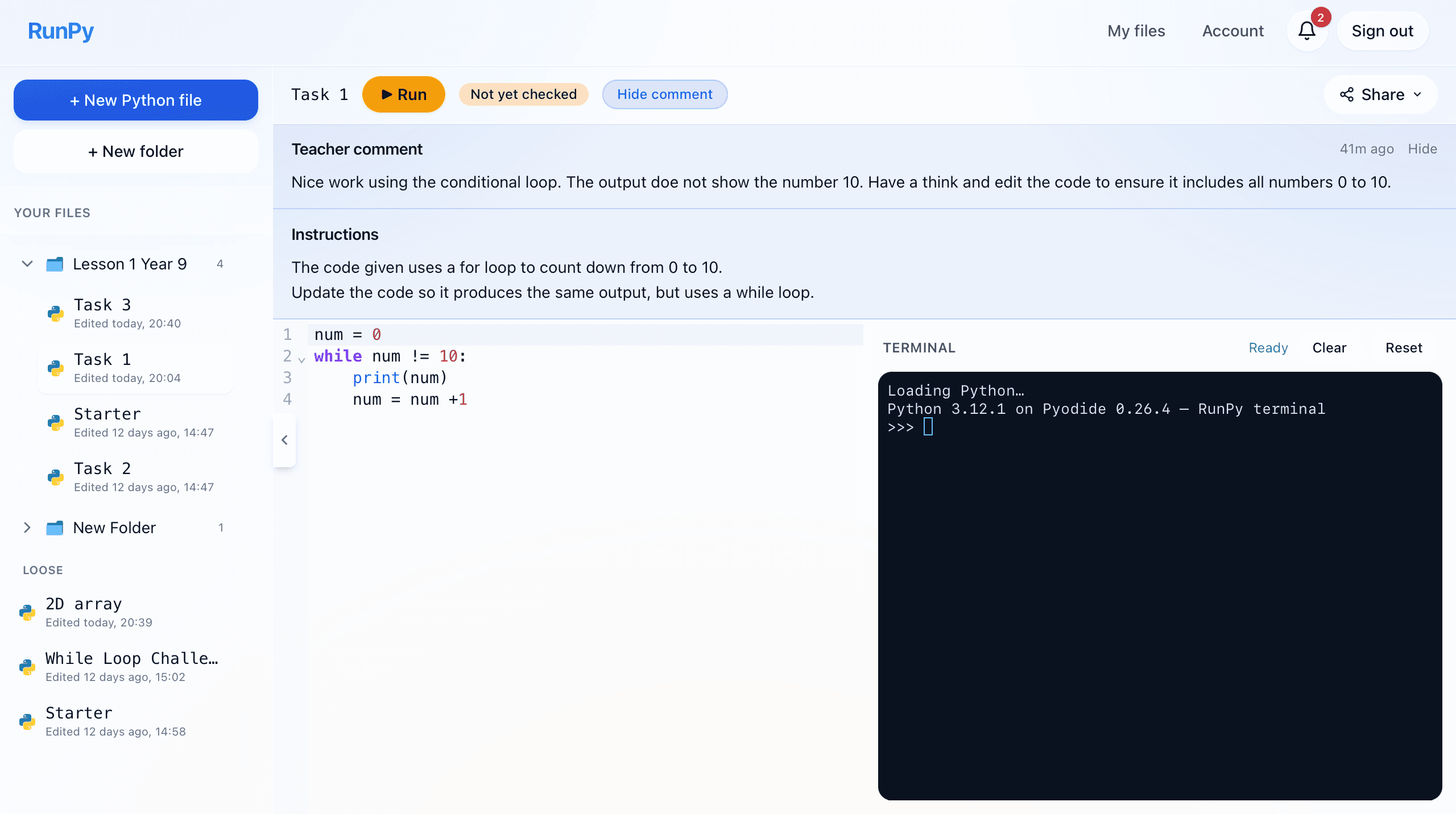
- One-click Mark as checked for any student file
- Leave a written comment directly on their file
- Students get notified the moment you save
- Reopen or hide the comment whenever you need
For teachers
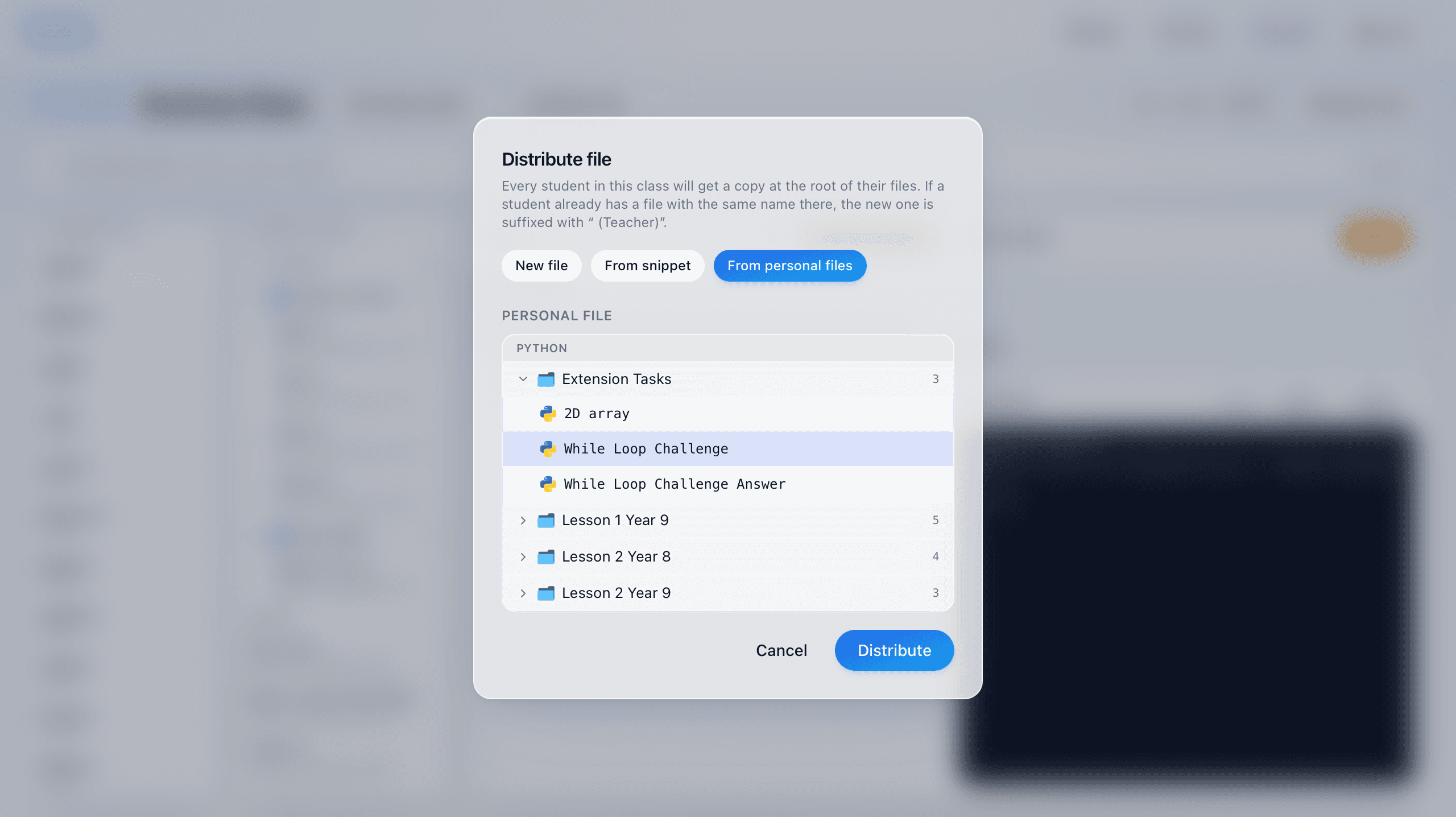
Distribute folders and files to a class
- Push a new blank folder out to every student in one click
- Send a folder of your own existing files as a starter pack
- Distribute a single file or task to the whole class
- Copies are namespaced so they never collide with student work
For everyone
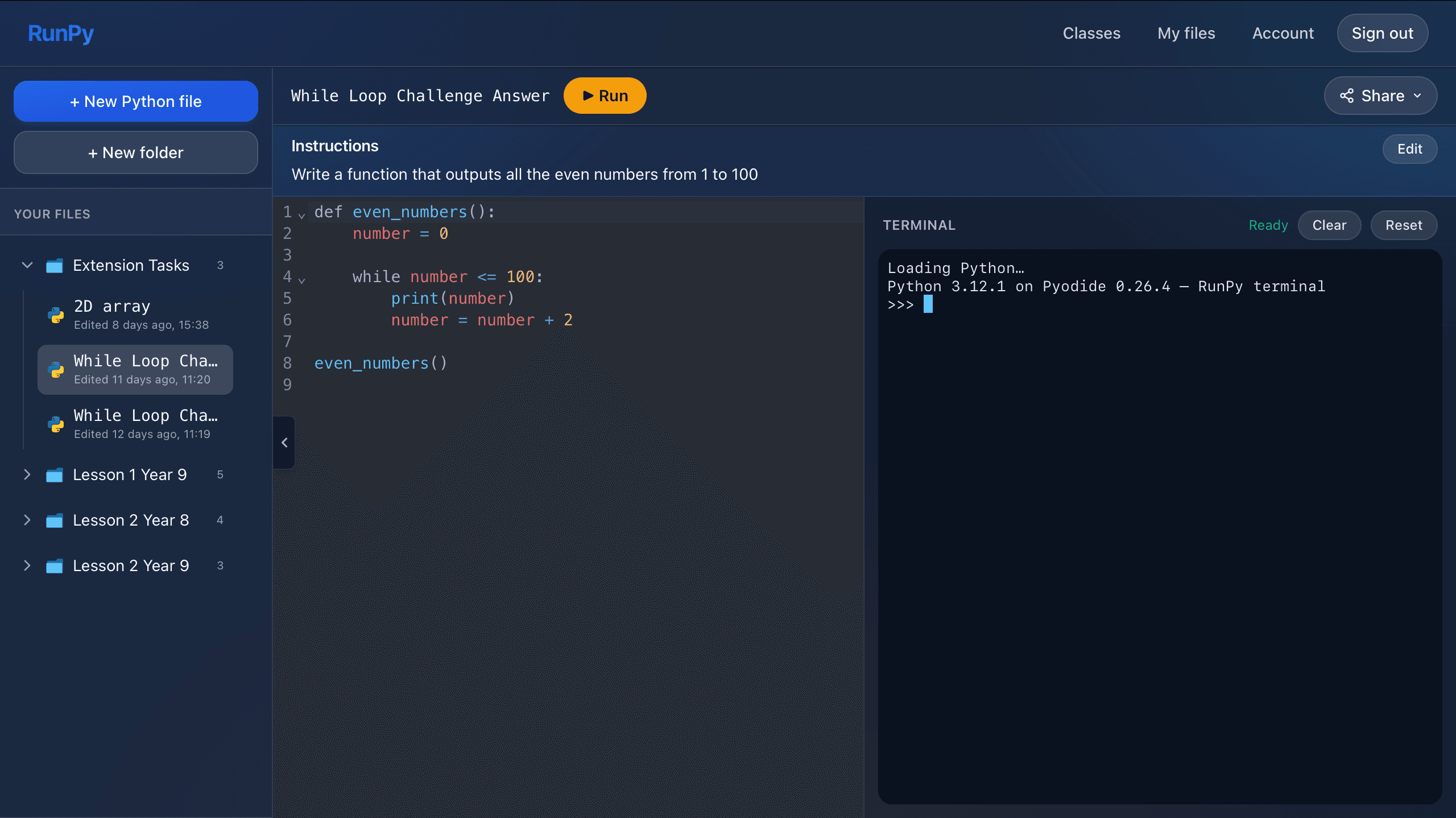
Dark mode
- One-click switch in the navbar
- Easier on the eyes for long lessons and evening work
- Editor, terminal, sidebar and panels all theme together
- Your preference is remembered next time you sign in
For students
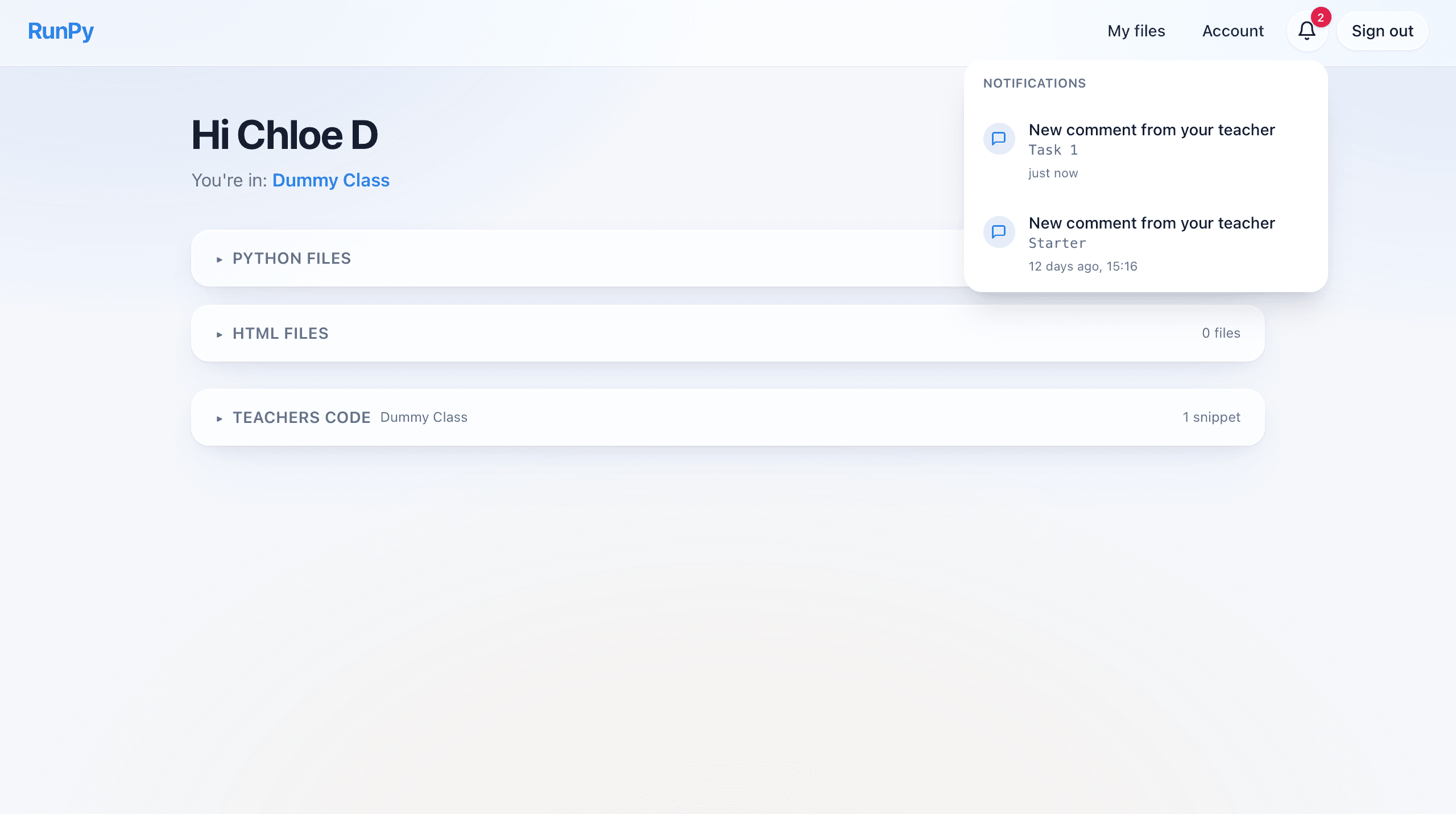
Student notifications
- A bell in the navbar with a badge for new updates
- Notified when a teacher marks your file as checked
- Notified when a teacher leaves you a new comment
- Click through to the file, notifications clear automatically
For teachers
Teacher snippets and example code
- Share read-only code snippets that appear on every student's dashboard
- Organise snippets into folders, per language
- Perfect for worked examples, starters, and reference code
- Students can open and run snippets but never edit them